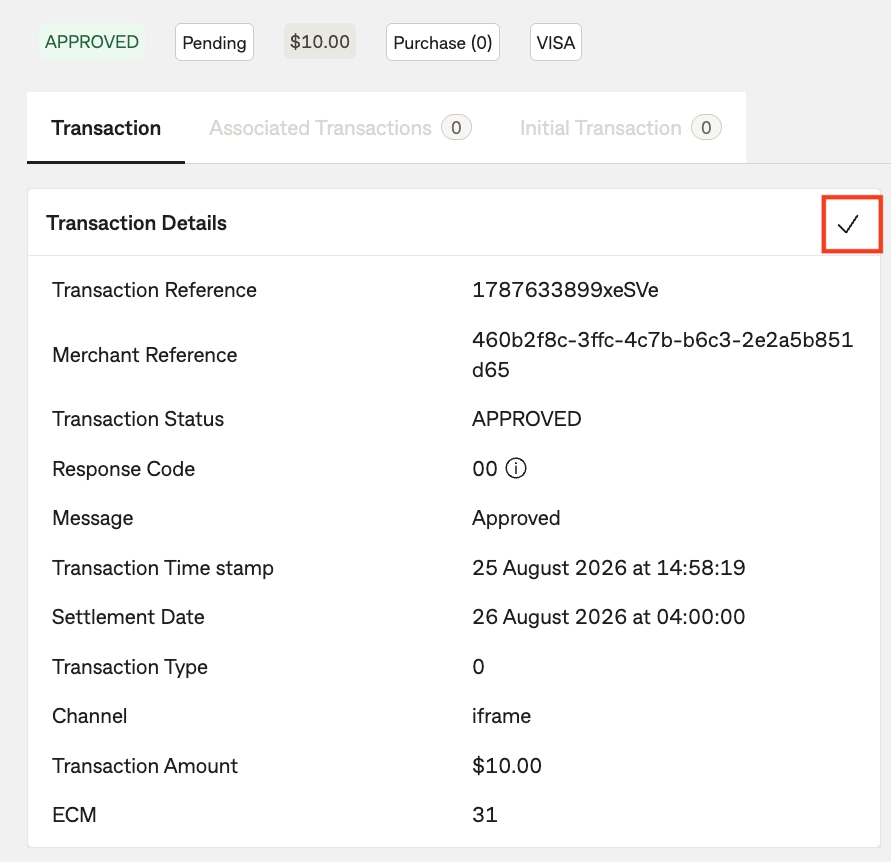
Transaction Overview
To view detailed information on a specified transaction.
Transaction view
After you have located your transaction using the search function, click on "view" under the Actions column.
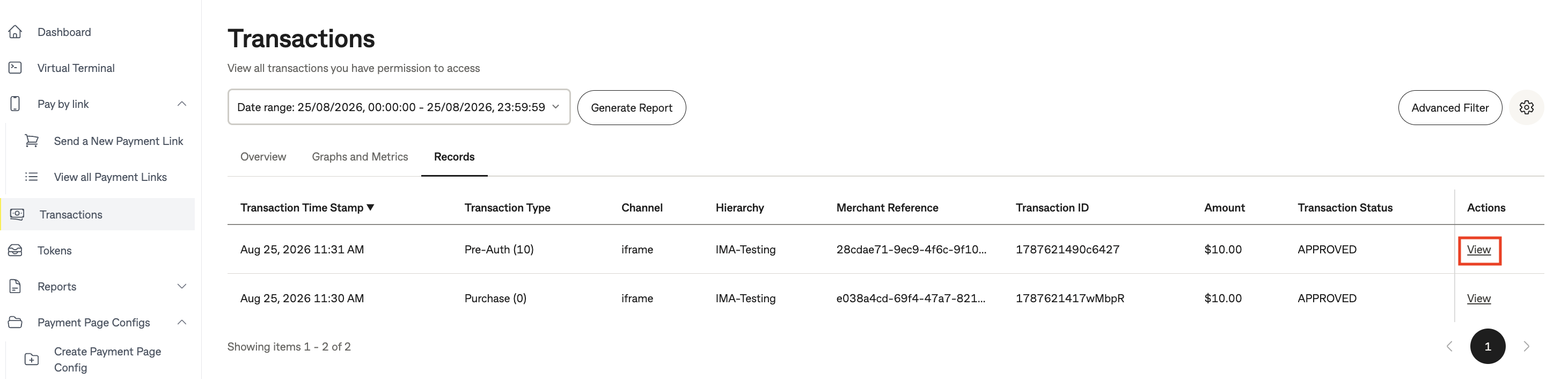
This will open a pop-up Transaction view window.
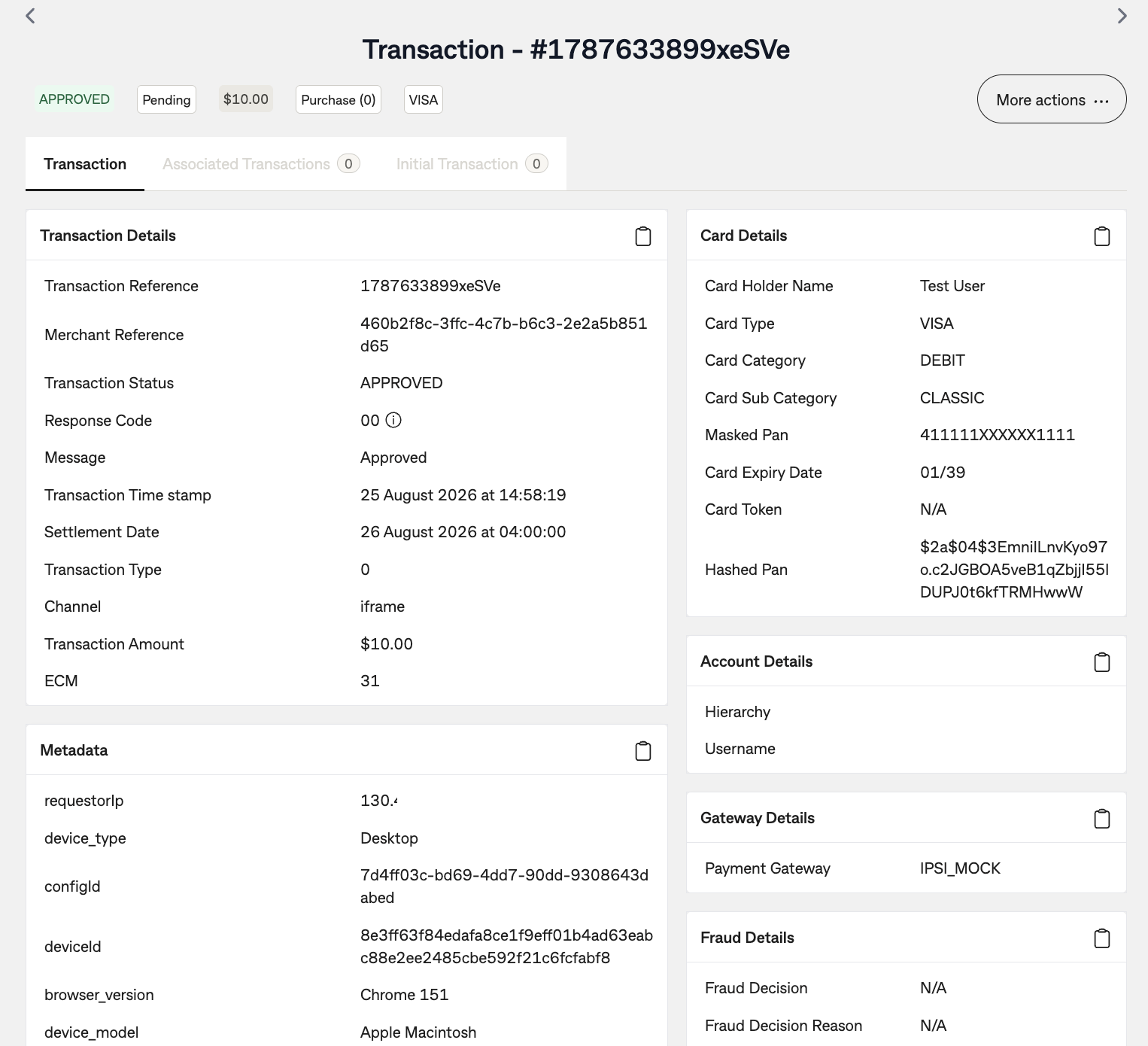
The transaction view window is structured into 7 main categories, as described in the table below.
| # | Section | Description |
|---|---|---|
| 1 | Transaction Details | General transaction information including: time stamp, transaction references, processing channel, transaction type, amount and transaction status. |
| 2 | Card Details | Returns cardholder details. Card Token field will be populated for transactions using token/alias or when doing a payment with tokenisation. |
| 3 | Account Details | This provides information on the credentials used to submit the transaction. |
| 4 | Gateway Details | Returns details on the downstream payment gateway provider used to process the transaction. |
| 5 | Session Details | Returns Session Start and End Time and session duration. |
| 6 | Additional Data | Returns additional data if any are present. |
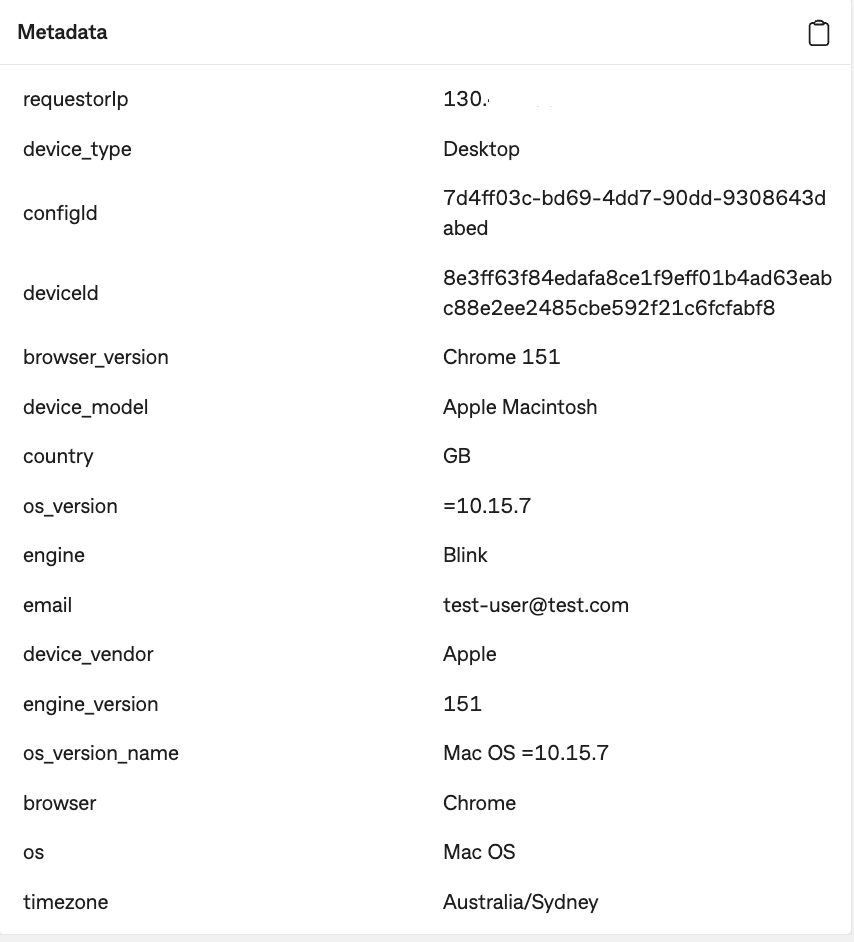
| 7 | Metadata | Returns the metadata sent by the merchant and additional information regarding browser version, device submitting the transaction. |
Metadata
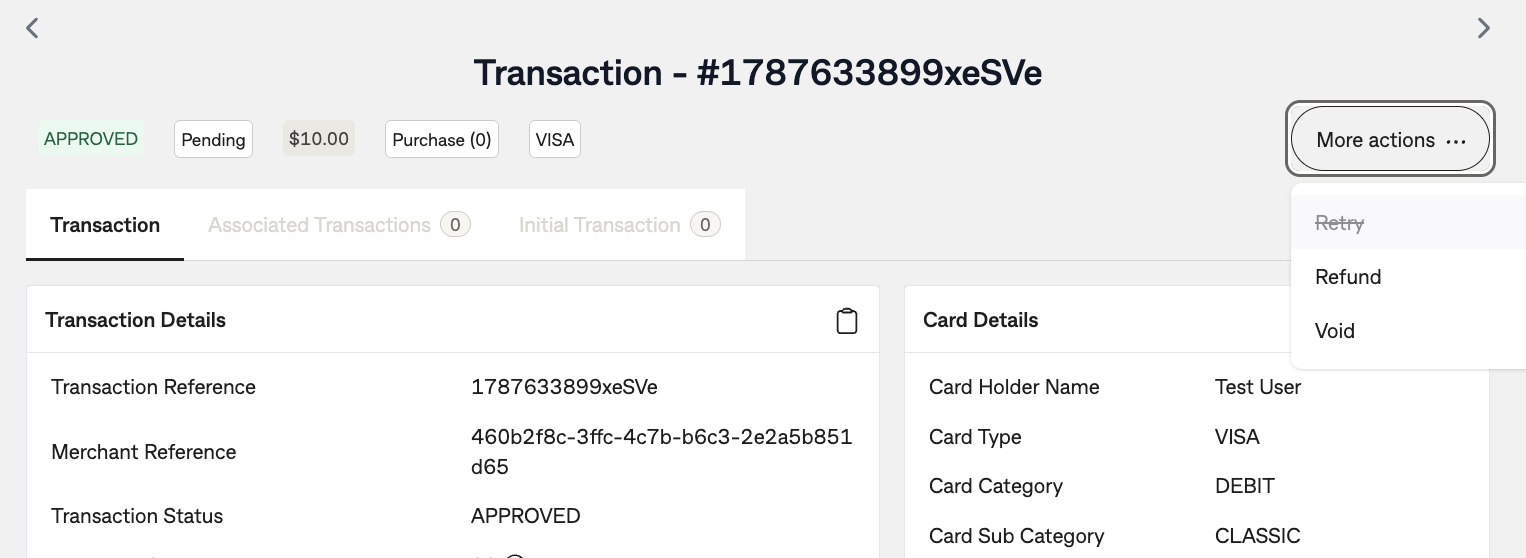
More actions
Located at the top right are "More actions" that you can do with the transaction.
Retry - This will retry another payment using the same card information. Refund - This will refund an amount back to the card holder. Void - This will void the transaction.
Copy content data
You can click on the clipboard icon to copy particular sections of the transaction view data.